Vesper  Updates

Fish & Seafood Prices via Undercurrent Partnership

by Vesper Team
New
Data
Partnerships
Fish & Seafood

Over 2,000 Fish & Seafood price series are now available on the Vesper platform through an integration with Undercurrent, a specialist seafood data provider.

What's new:

  • 2,000+ price series across 15 product groups within Fish & Seafood

  • Global and regional coverage from a specialist seafood data provider

  • Data accessible through your existing Vesper dashboards

Important: Bring Your Own License Undercurrent data requires an active Undercurrent subscription. If you already subscribe to Undercurrent, contact your Customer Success Manager to activate access within Vesper. This model lets you view your Undercurrent data alongside all your other commodity benchmarks in one platform.

Why this matters: Seafood markets are among the most fragmented and volatile in food commodities. Prices vary by species, origin, catch method, and season. That makes it difficult to track costs or compare supplier quotes with any confidence. With Undercurrent data in Vesper, teams across procurement, finance, and category management can check quotes, compare prices, and track trends for fish and seafood. All in the same workflow you use for other commodities.

How to access? Contact your Customer Success Manager at [email protected] to activate Undercurrent data on your account.
New US data partner: Sosland Publishing

by Vesper Team
New
Data
Partnerships
Oils & Fats
Grains & Feed
Sugar & Sweeteners
Cocoa

Vesper has partnered with Sosland Publishing to bring 114 weekly spot price series into the platform. Sosland is a leading US trade publisher covering food ingredient markets.

What's new:

  • 114 weekly spot price series from Sosland, now live
  • Coverage spans four commodity categories: Oils & Fats, Grains & Feed, Sugar, and Cocoa
  • All series are weekly frequency, reflecting US spot market conditions
  • A second batch covering forward cash prices and basis prices is planned for Q2 2026

Why this matters:

Sosland prices are widely referenced by buyers and sellers in North American ingredient trade. Having them in Vesper means you can compare US spot prices directly against European benchmarks in a single view. For categories like cocoa, oils, and grains where US and EU prices regularly diverge, that cross-regional visibility matters in negotiations.

How to Use It:

  • Prices Widget: search Sosland series by commodity or keyword
  • Price Comparison: set up US vs EU price comparisons for the same commodity
  • Cost Models: use Sosland weekly prices as inputs alongside existing European series

How to access?

Add to new or existing dashboards using the search function, or contact your Customer Success Manager at [email protected].

Bring Your Own Data (BYOD)

by Vesper Team, Product Marketing
New
Vesper Toolbox
Data
Cost Models

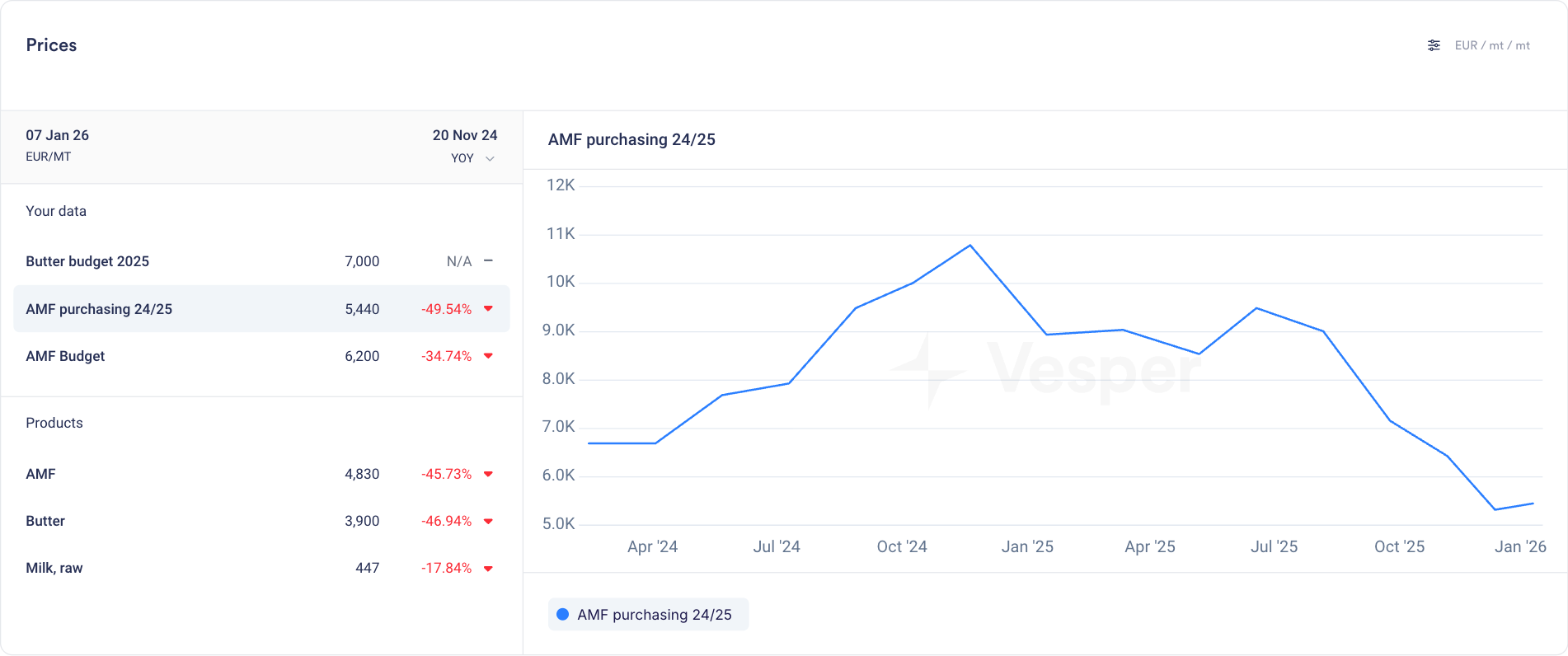
Upload your own budgets, purchase prices, and supplier quotes directly into Vesper. Your internal data now lives alongside global market intelligence, all in one place.

What's new

  • Add your own data via manual entry or CSV upload

  • Store budgets, contract prices, supplier quotes, or any internal pricing data

  • Unlimited series and products with no caps on what you can bring in

  • All your uploads organized in a new dedicated "Your Data" section

  • Access your data in the Prices widget, Price Comparison, and Cost Models

  • Use the full Vesper toolbox on your own data: visualize spreads, calculate averages, and add notes directly in graphs

  • Use your data as inputs for cost models and custom formulas

Why this matters

Vesper already lets you build custom benchmarks using formulas and cost models. Now you can go further. Bring in your actual purchase history, budget targets, and supplier offers to see the full picture.

  • Track performance: Compare what you paid against what the market did

  • Spot opportunities: See where your prices diverge from benchmarks over time

  • Centralize everything: Stop toggling between spreadsheets and Vesper. Make it your single source of truth.

Your data stays yours

Everything you upload is siloed, secure, and never shared with other users or used in any Vesper Price Index. Your competitive information remains private.

Did you like this update?

LikeNeutralDislike

Dashboard Sharing

by Vesper Team, Product Marketing
New
Vesper Toolbox

Share dashboards with your team or your entire company. Build once, keep everyone aligned.

What's new

  • Share any dashboard with individual colleagues or your whole organization

  • Admins control who sees what: choose specific team members or open it up company-wide

  • Shared dashboards appear in a new "Shared" category in your dashboard list

  • Everything carries over: charts, notes, visualizations, and any customizations you've added

  • Builds on existing cost model sharing, now extended to full dashboards

Why this matters

Dashboards already help you bring together the data that matters most. Now you can make that work once and share the view with everyone who needs it.

  • Weekly reviews: Set up a category dashboard and share it with your team. No more rebuilding the same charts every Monday.

  • Negotiation prep: Build a dashboard with price trends, forecasts, and supplier benchmarks. Share it with colleagues so everyone walks into the room with the same context.

  • Leadership updates: Create a cross-category overview for your CPO or finance team. Keep them informed without scheduling another meeting.

Availability

All users get free access to dashboard sharing during Q1 2026.

Did you like this update?

LikeNeutralDislike

Cost models in Price comparison

by Vesper Team, Product Marketing
New
Vesper Toolbox
Cost Models
Data
Vesper Price Index (VPI)

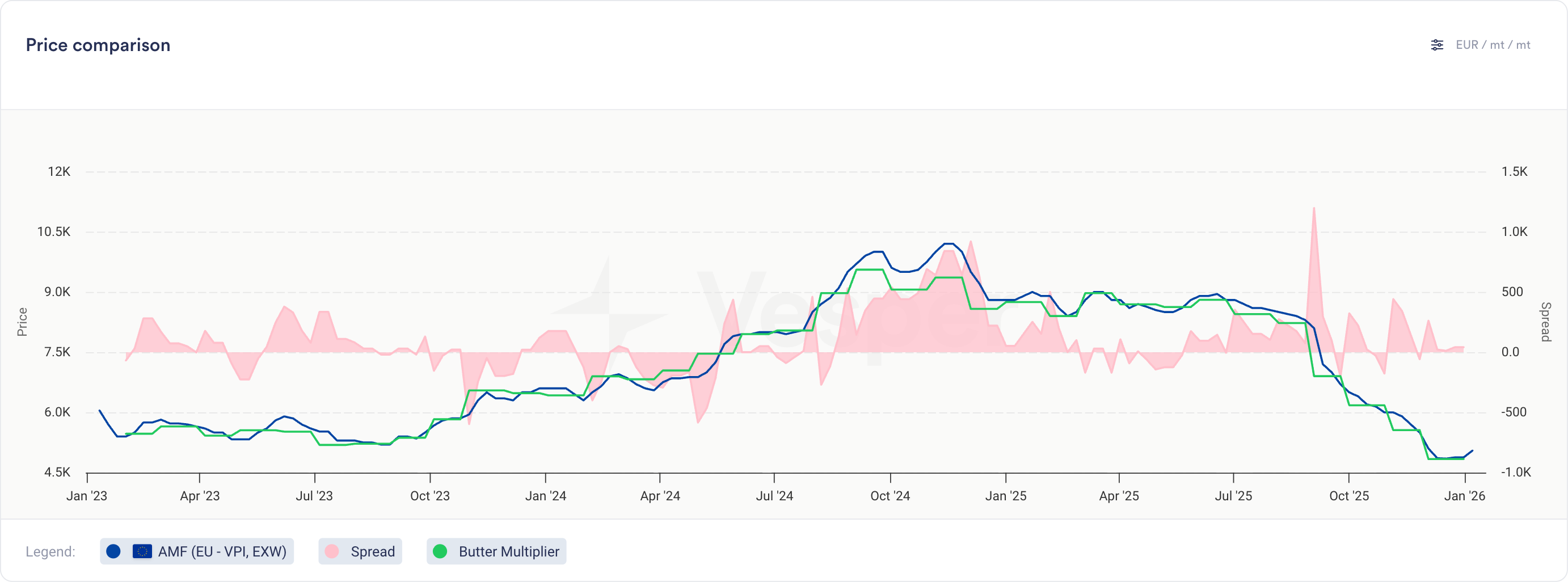
You can now compare your cost models directly against actual prices and other cost models in the Price Comparison widget.

What's new

  • Cost models now appear as selectable series in the Price Comparison widget

  • Select cost models from the product dropdown, labeled with their cost model name

  • View cost model historical data alongside multiple other cost models, price series, or any combination of both

  • Same visualization and interaction as product prices (line charts, tooltips, trends)

  • Note: Notes cannot be added to cost models

Why this matters

For finished goods, this bridges cost modeling and price analysis:

  • Compare different recipe options to find the most cost-effective formulation

  • Validate actual paid prices against theoretical cost models to spot inefficiencies

  • Track variance trends over time to identify negotiation opportunities

For commodity and ingredient buyers, this opens up new ways to analyze contract structures:

  • Build indices for weighted baskets and compare against other indices or your own prices

  • Model multiplier or fixed cost-plus structures on top of any benchmark

Did you like this update?

LikeNeutralDislike

Shipping and Freight Transport Prices

by Vesper Team, Product Marketing
New
Energy & Transport
Data
Partnerships

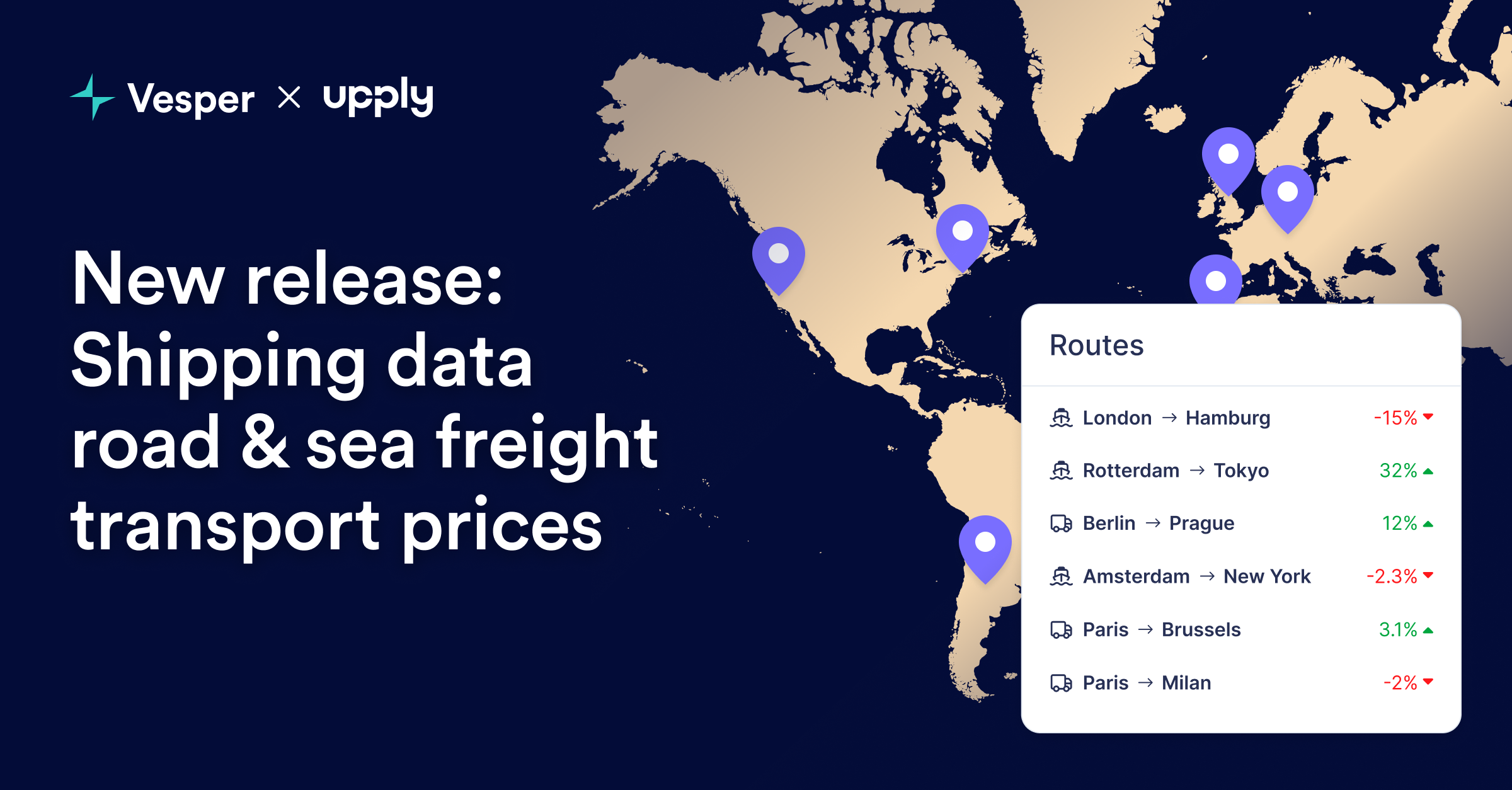
Vesper has launched Commodity Shipping Intelligence through an exclusive partnership with Upply, bringing freight rate benchmarks directly into the platform. This integration enables procurement teams to track delivered costs by combining commodity prices with real shipping rates for their specific inbound lanes—creating true landed cost visibility.

What's New:

  • Inbound Freight Benchmarks: Real shipping rates for strategic procurement routes, not generic freight indices

  • Upply Partnership Integration: Access to validated freight data from one of Europe's leading logistics intelligence providers

  • Route-Specific Pricing: Targeted lanes for commodity imports (origin ports to destination factories)

  • Multi-Modal Coverage: Ocean freight, road transport, and intermodal combinations where relevant

  • Integrated Cost Analysis: Combine commodity prices with freight to calculate true delivered costs

Why It Matters: Commodity prices at origin tell only half the story. With shipping costs representing 10-30% of delivered prices and extreme volatility in freight markets, procurement teams need visibility into both components. This integration transforms Vesper from a commodity price platform into a complete landed cost intelligence system—critical for accurate budgeting and supplier selection.

How to Use It:

  1. Search freight routes using origin-destination pairs in the platform search

  2. Add to dashboards alongside relevant commodity prices for complete cost tracking

How to access? Freight rates are available to all Vesper users who have access to the Energy and Transport category. For more information, contact [email protected].

Did you like this update?

LikeNeutralDislike

New: Deselect All Button

by Vesper Team, Product Marketing
Improvement
New
Vesper Toolbox

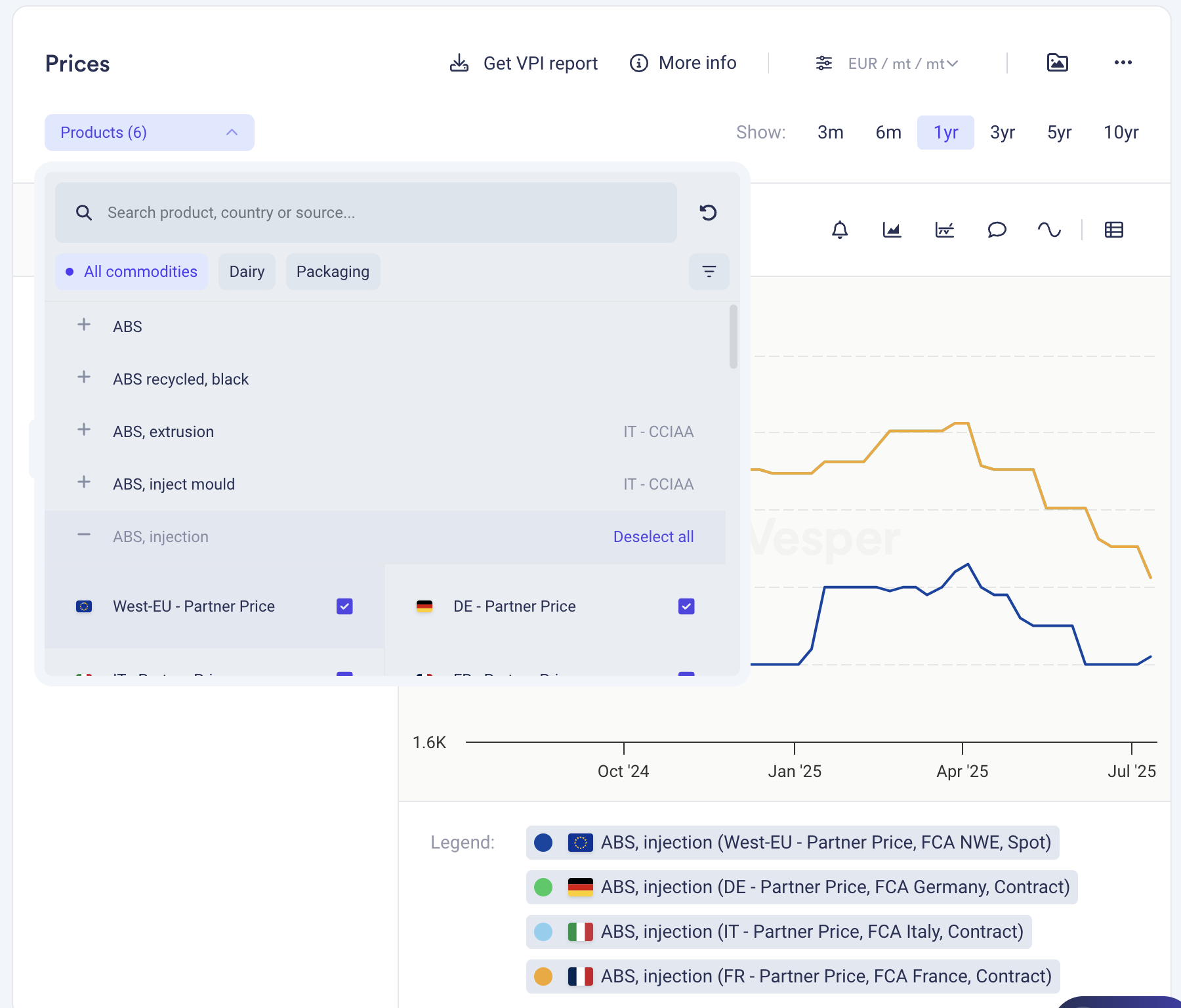
Clear your widget selections instantly with the new "Deselect all" button in dropdown menus. Start fresh analysis without manually removing each selection or dealing with cluttered views.

What it does: One click clears all active selections in a widget What you can do: Reset widgets to empty state for clean analysis Why it matters: Faster workflow, cleaner screens, less clicking

Find it in the dropdown menus across most widgets.

Did you like this update?

LikeNeutralDislike

Technical Analysis: Interpretable and actionable for all food commodity products

by Vesper Team
New
Vesper Toolbox
Forecasting & Outlook

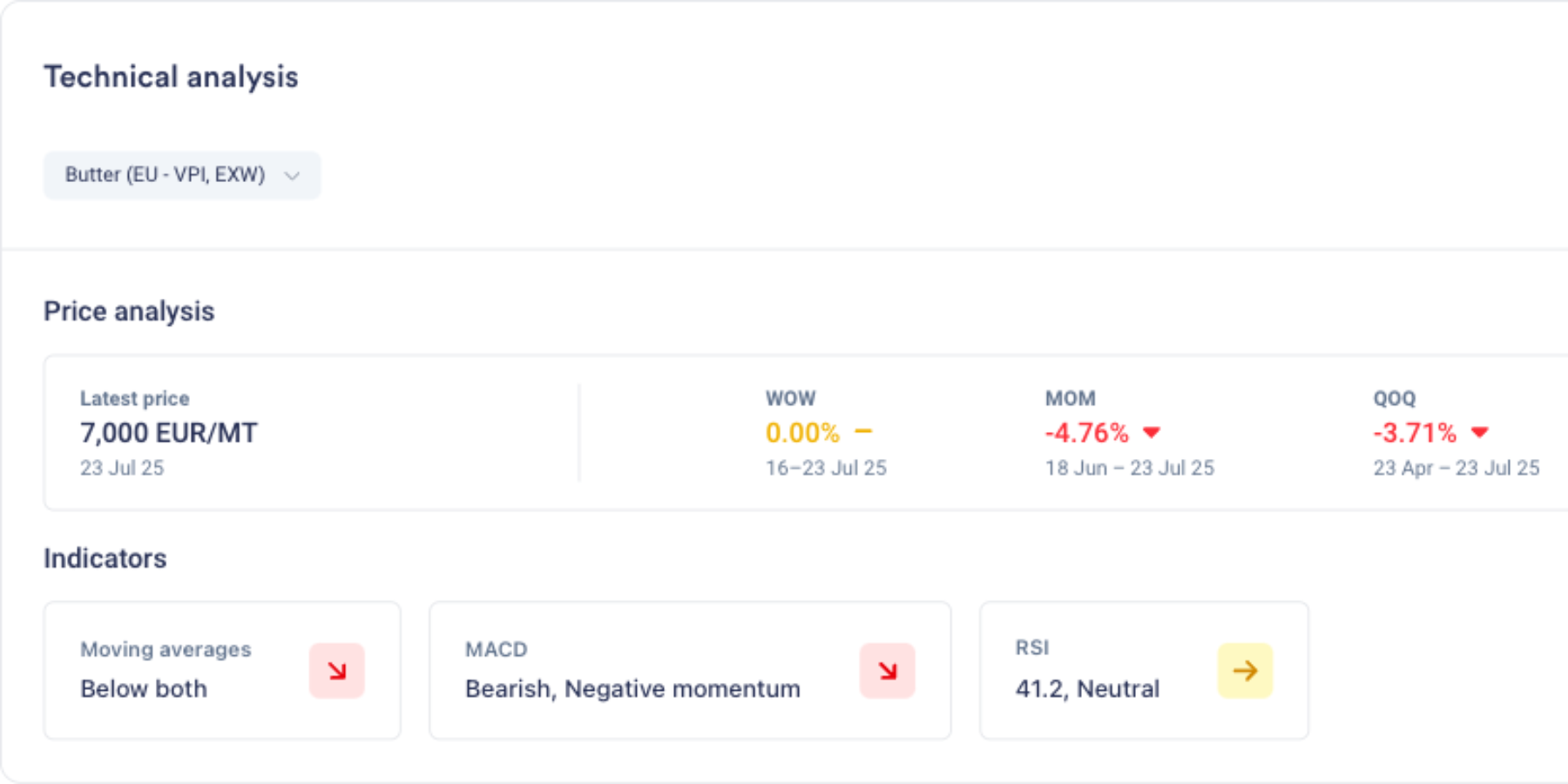
Summary: Vesper has launched Technical Analysis, a new forward-looking capability that translates complex market behavior into clear, actionable timing signals. Previously reserved for trading experts using specialized tools, technical analysis is now accessible to every procurement professional through simple, visual indicators. This feature helps teams identify optimal buying windows by analyzing price patterns and momentum, delivering straightforward signals that answer the critical question: "When should I act?"—no financial expertise required.

What's New:

  • Three procurement-focused indicators that signal market timing without financial jargon

  • Moving Averages show if prices are trending above or below "normal" levels

  • MACD detects when price movements are accelerating or losing steam

  • RSI identifies when markets are overheated or oversold, highlighting potential reversals

  • Clean visual signals (green/red arrows + Interpreted text) that make complex analysis instantly understandable

Why It Matters: Fundamental data tells you why prices should move, but not when the market will react. Technical Analysis bridges this gap by revealing when markets start believing the fundamental story. In volatile markets where timing can mean the difference between saving and losing on purchases in volatile markets. These indicators help procurement teams spot early trend changes, identify optimal entry points, and avoid buying at market extremes, without requiring trading expertise.

How to Use It:

  1. Add Technical Analysis to any dashboard by using the search function

  2. View the summary panel showing all three indicators at a glance

  3. Green arrows indicate upward pressure/momentum, red indicates downward

  4. Click the extended view for in depth analysis of the indicators

  5. Combine with Vesper's other forward-looking tools for complete forward looking intelligence

Related Features: Technical Analysis completes Vesper's forward-looking toolkit:

  • AI Forecasting predicts where prices are headed (the "how much")

  • Dashboard fundamentals explain market drivers (the "why")

  • Market reports provide expert context

  • Now Technical Analysis reveals entry point (the "when")

Did you like this update?

LikeNeutralDislike

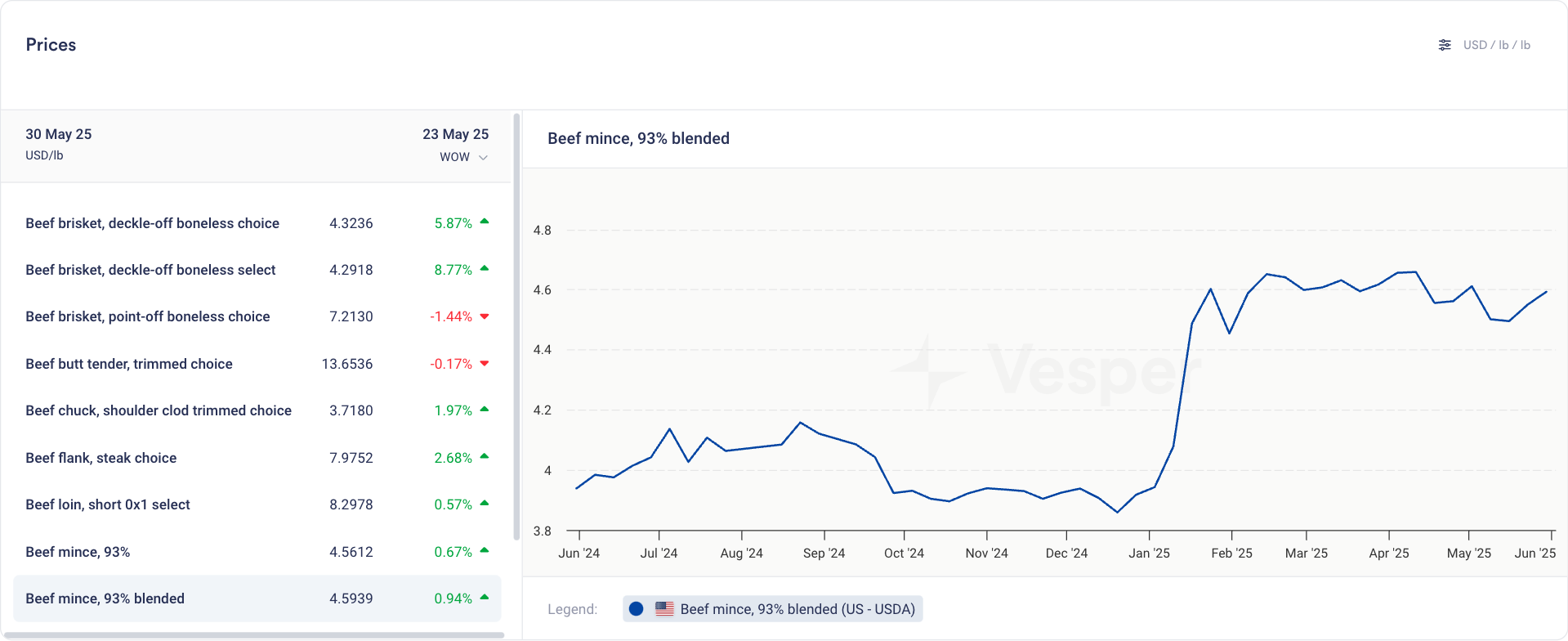
300 new Beef, Pork, and Lamb Prices

by Vesper Team
New
Data
Food Manufacturing
Meat & Poultry

What's New

  • 300 new daily price series covering major beef, pork, and lamb products

  • Real-time daily updates to ensure you have the latest market data

  • Coverage across different cuts, grades, and products

How to use in Vesper:
Prices Widget

  • Easily track and monitor daily price movements for all meat categories

  • Quick access to historical trends and current market conditions

  • Ideal widget for efficient price monitoring

Cost Models

  • Incorporate new meat price data into custom recipe breakdowns

  • Build cost models that reflect your product’s market pricing

  • Create detailed analyses for food service, retail, and manufacturing applications

Price Comparison

  • Compare meat prices against other commodity products

  • Identify correlations and patterns between different protein markets

Getting Started

The new meat price series are immediately to users with Meats&Poultry in their commodity package. To begin using this data:

  1. Use the Prices Widget to explore individual price series

  2. Use the Price Comparison to analyze relationships between meat and other commodities

  3. Access Cost Models to incorporate the new data into your custom analyses

Questions or Support

For questions about the new meat price series or assistance with implementation, please contact our support team at: [email protected]

Did you like this update?

LikeNeutralDislike