
Direct Widget Data Download
1757076960000
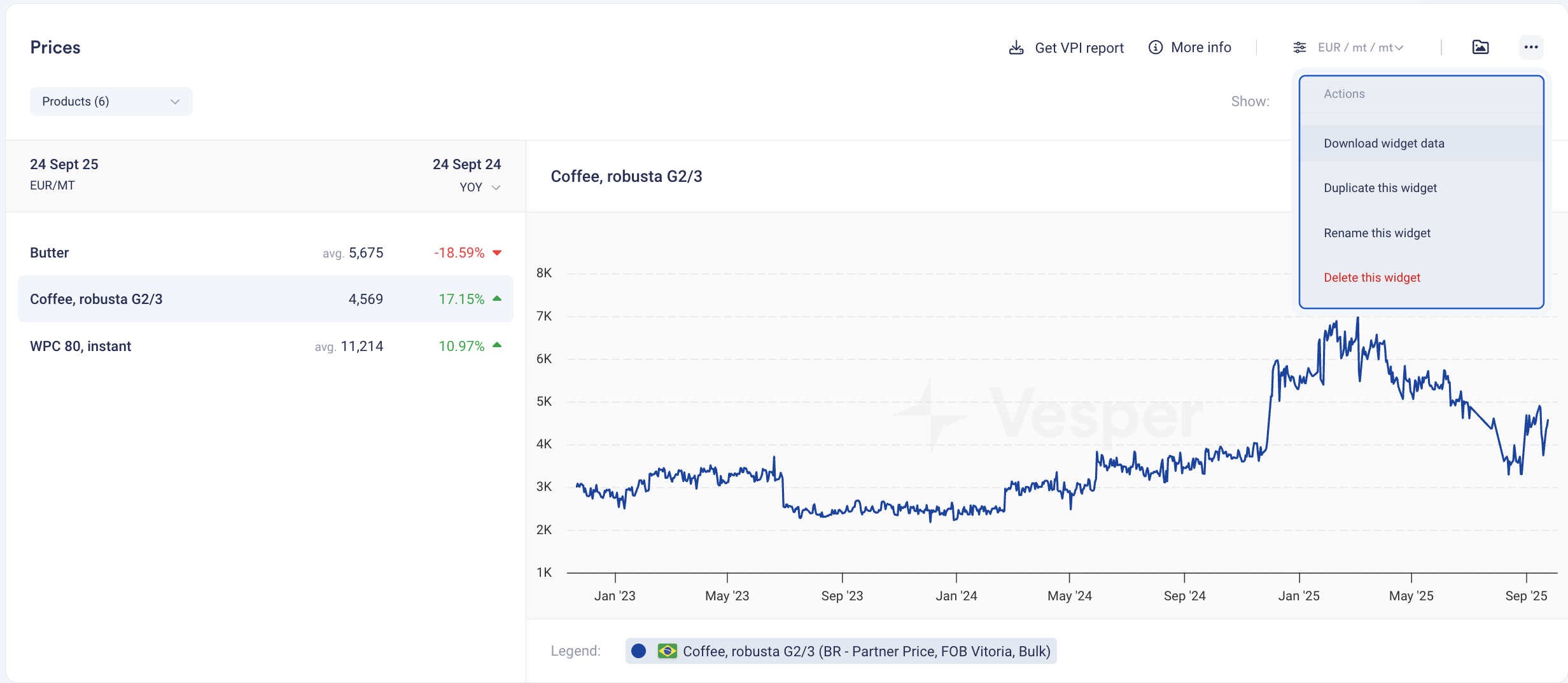
Vesper has launched Direct Widget Data Export, streamlining how users extract data from the platform. This feature eliminates the multi-step process of navigating to separate download centers, allowing instant data exports directly from any widget you're viewing—saving valuable time for teams that need to quickly move data into reports, models, or presentations.
What's New:
One-Click Export: Download data directly from the three-dots menu in any compatible widget
Instant Access: No need to navigate to Data Download or remember complex product names
Multi-Widget Support: Works across Prices, Price Forecasts, Production, Import/Export, and Stock widgets
Format Preservation: Data exports match the exact view and timeframe displayed in your widget
Simplified Workflow: From insight to Excel in seconds
How to Use It:
Navigate to any widget showing the data you need
Click the three dots in the top-right corner of the widget
Select "Download" from the dropdown menu
Access your file immediately in your email inbox
Paste into your model or report—formatted and ready to use
How to access? This feature is live for all users with Download data across the platform. No setup required. To get access please reach out to your customer success manager or [email protected]
Did you like this update?


